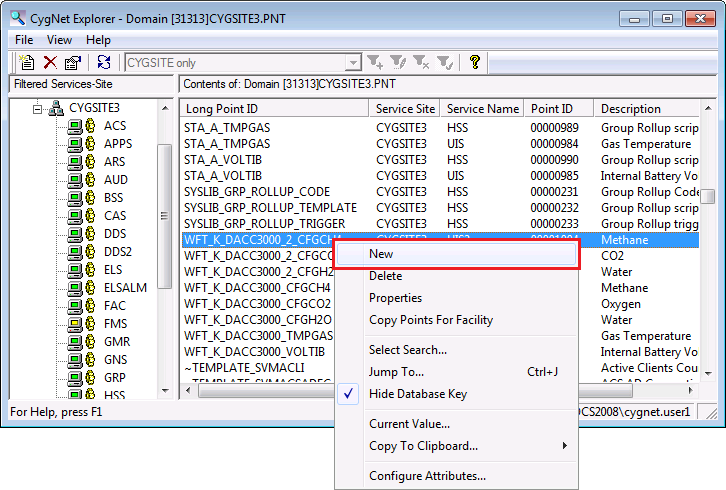
Once you have added remote devices to the system using one of the device copy tools, you’ll need to add points for those devices. You can copy an existing point, all of the points associated with a facility, or a subset of points associated with a facility.
You can use CygNet Explorer to copy the points in your system. Alternatively you can use the Point Configuration Manager Utility to copy the points. See Copying Points or Copying Multiple Points in the Point Configuration Manager Utility section for more information about that option.
To Copy a Single Point Using CygNet Explorer
Note: Once you verify or provide valid values for Site.Service, Facility ID, Uniform data code, Point ID, Long point ID, Short description, and Long description, enter values for any additional fields. If you prefer to manually enter text into the Long point ID, Point ID, Short description, and Long description fields, those values will prevail and are not overwritten by the system.
|
|
|

